

The 8 Best Prototyping Tools for Your Next Website

Prototyping is a crucial step in web design and development. Here are the top tools to consider:
1. Adobe XD
✅ Best for: All-in-one UX/UI design 🔹 Key Features:
- Seamless design-to-prototype workflow
- Repeat Grid for efficient element duplication
- Integrates with Photoshop & Illustrator
- Free starter plan available

2. Axure RP
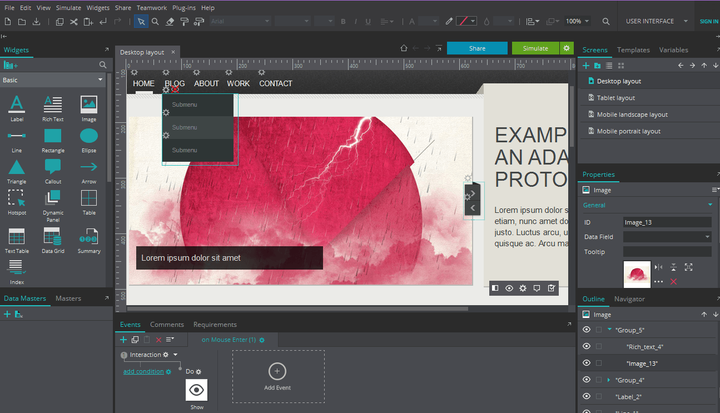
✅ Best for: Complex, high-fidelity prototypes 🔹 Key Features:
- Advanced conditional logic & dynamic content
- Team collaboration with version history
- Great for enterprise projects
- Steeper learning curve
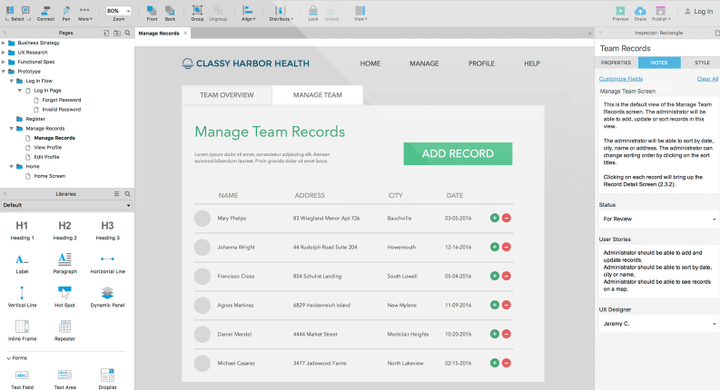
3. Figma
✅ Best for: Real-time team collaboration 🔹 Key Features:
- Cloud-based with live multiplayer editing
- Robust design systems & components
- Interactive prototyping features
- Free plan available
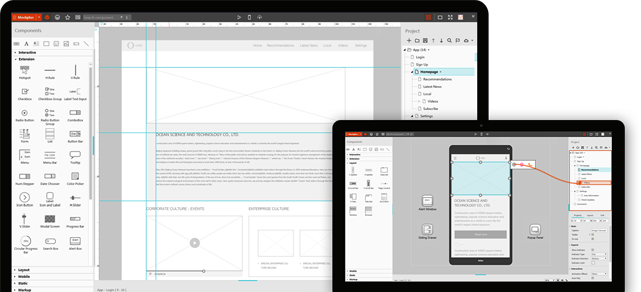
4. Sketch
✅ Best for: Mac-based UI design 🔹 Key Features:
- Vector-based interface design
- Huge plugin ecosystem
- Integrates with prototyping tools
- Mac-only (no Windows version)
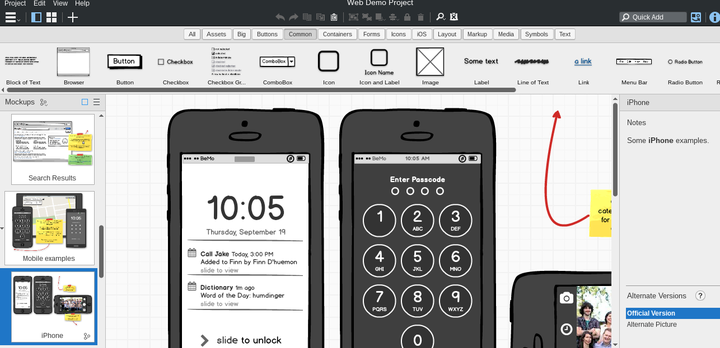
5. InVision Studio
✅ Best for: Animation-rich prototypes 🔹 Key Features:
- Advanced micro-interactions
- Smooth transitions & animations
- Design + prototype in one tool
- Being phased out (migrating to Figma)
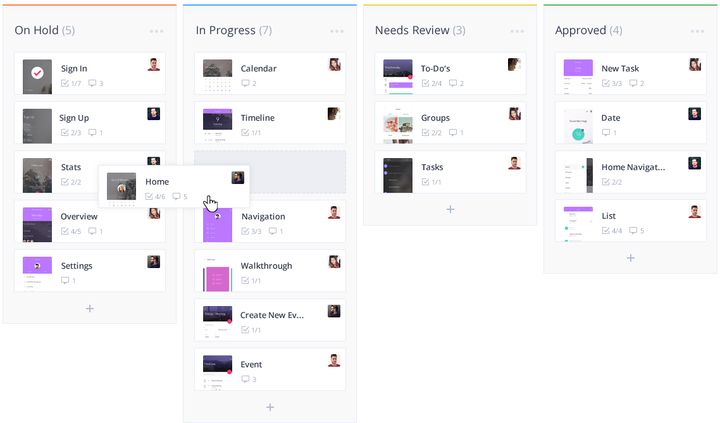
6. Balsamiq
✅ Best for: Quick wireframing 🔹 Key Features:
- Fast, low-fidelity mockups
- Hand-drawn sketch style
- Great for early-stage concepts
- Limited interactivity
7. Framer
✅ Best for: Interactive, code-like prototypes 🔹 Key Features:
- Advanced interactions without coding
- React-based components
- Realistic micro-interactions
- Steeper learning curve
8. Webflow
✅ Best for: Prototype-to-development 🔹 Key Features:
- Visual web design with real HTML/CSS output
- CMS & dynamic content support
- Publish prototypes instantly
- More development-focused
How to Choose?
- For teams: Figma or Adobe XD
- For advanced interactions: Framer or Axure
- For quick wireframes: Balsamiq
- For code-ready designs: Webflow
Most tools offer free trials—test them before committing! 🚀
Bonus Tip: Many designers now combine Figma (for design) with Protopie or Framer for advanced interactions.